Feedback drifts away from the screen.
The moment it moves to screenshots and chat, it's hard to remember exactly what you were talking about.

React 18+ · MIT · @fivepixels-js/react 0.2.24
You do not need a heavyweight QA platform.
Click the exact location review it with the team, and promote it to an issue only when needed.
The moment feedback leaves the screen for screenshots and chat,
the team starts explaining the location and intent all over again.
The moment it moves to screenshots and chat, it's hard to remember exactly what you were talking about.
Without markers, every review round starts with finding it again and explaining it again.
When adoption looks like a big project, the review flow you actually need keeps slipping to the next release.
One comment on the product screen lands faster than a long annotated message thread.
Start on the same review screen your team already shares.
Instead of a messenger thread, pin comments right where you clicked.
Replies, status changes, and re-review stay in one flow.
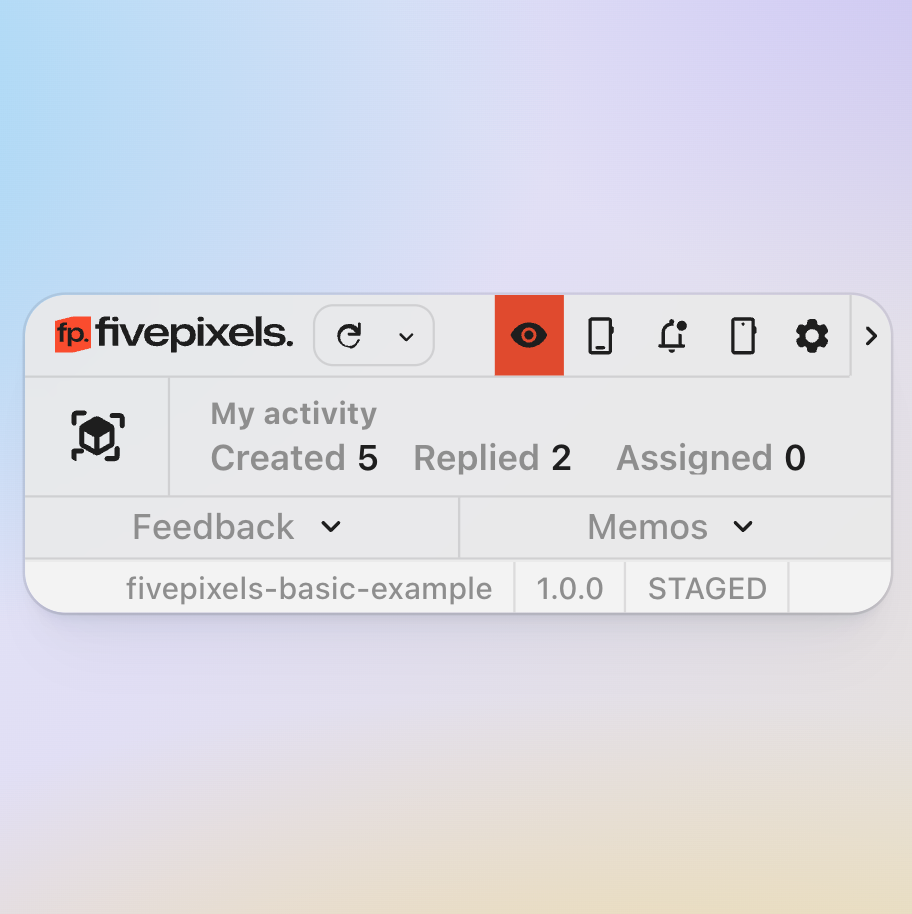
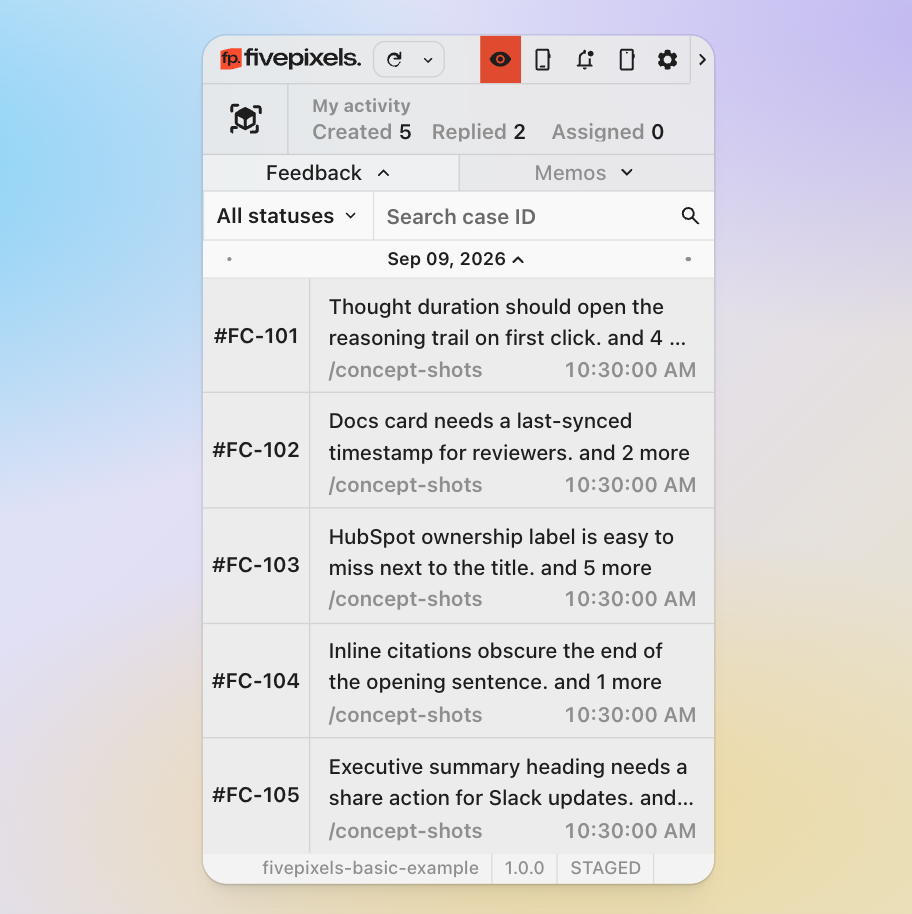
Open the marker window to see the case list, thread, assignee, and status without leaving the page under review.
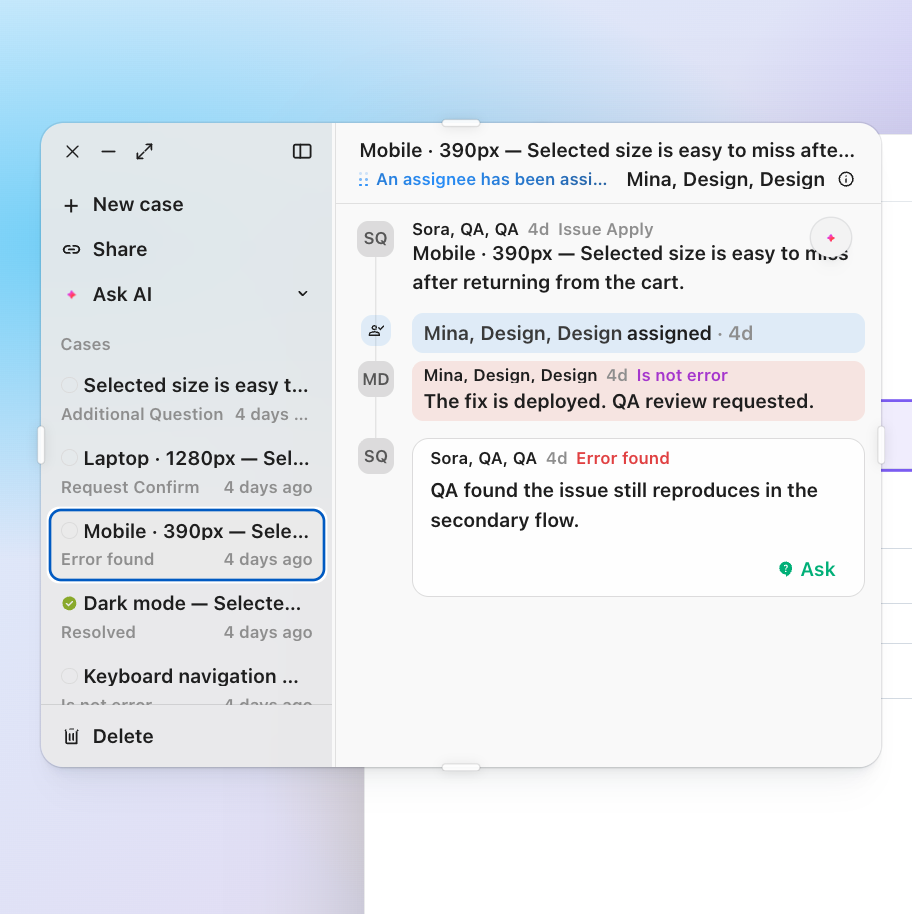
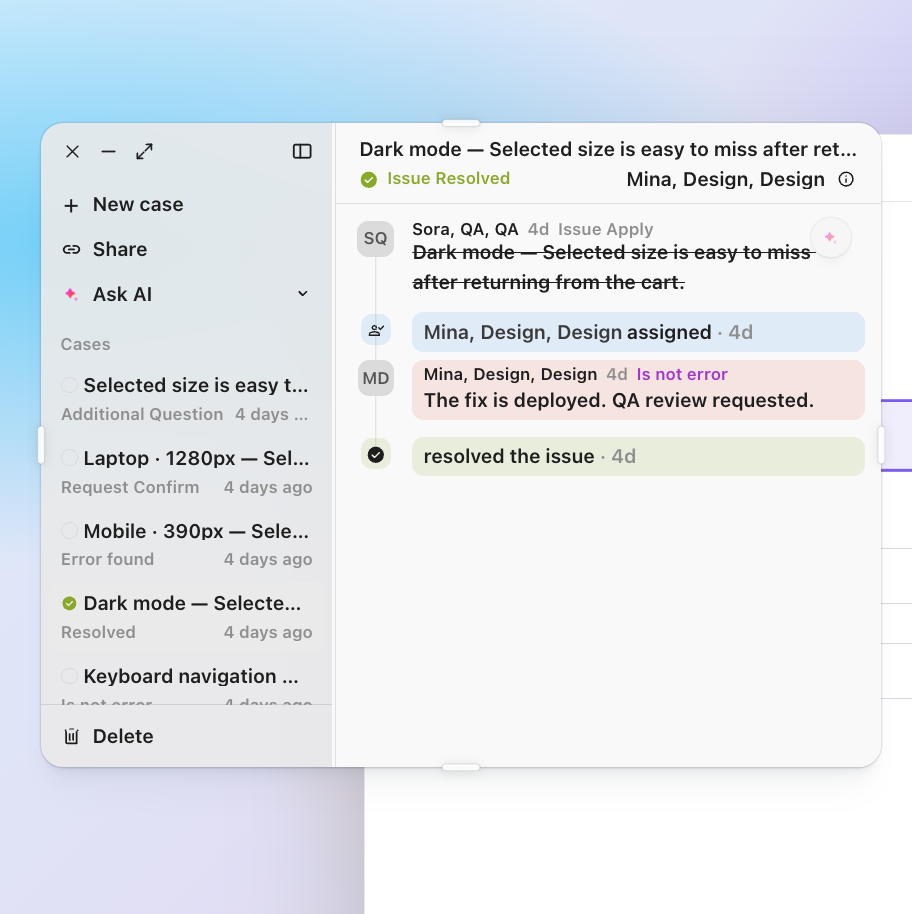
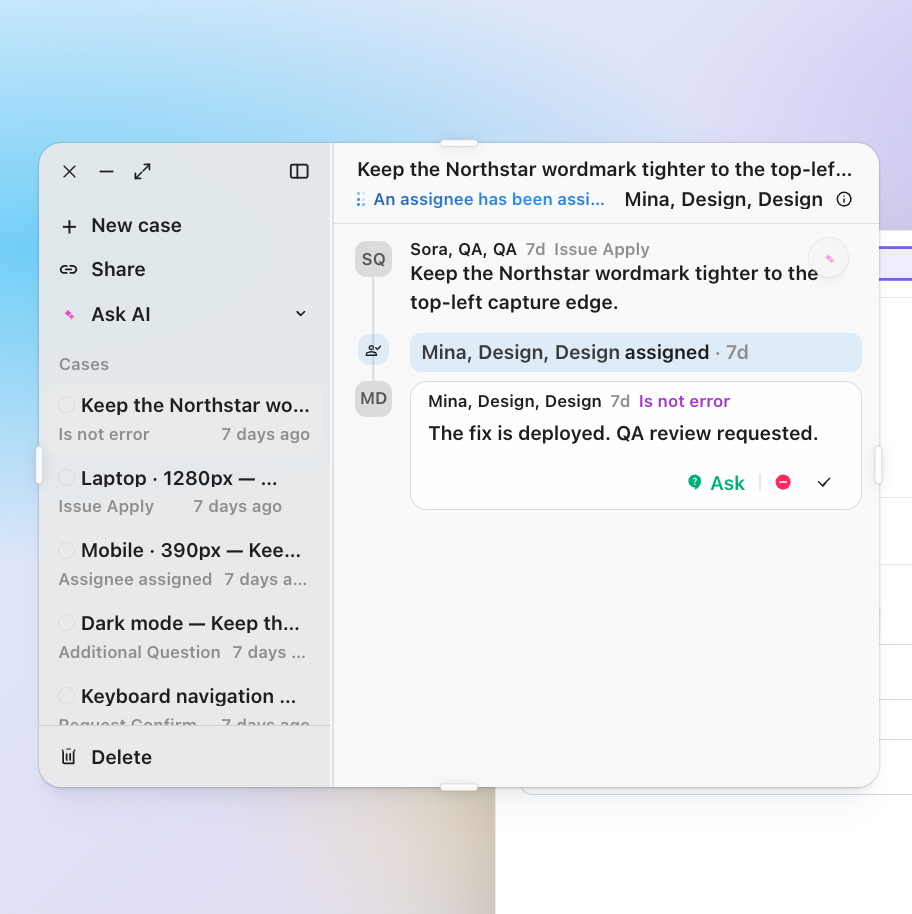
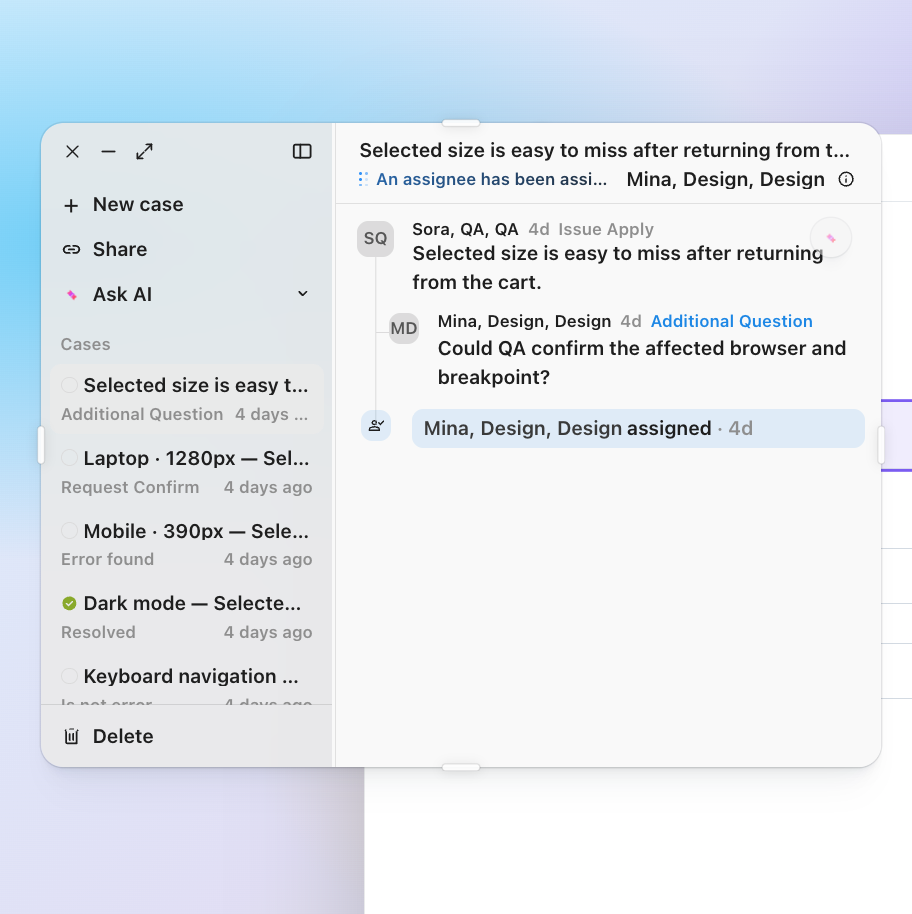
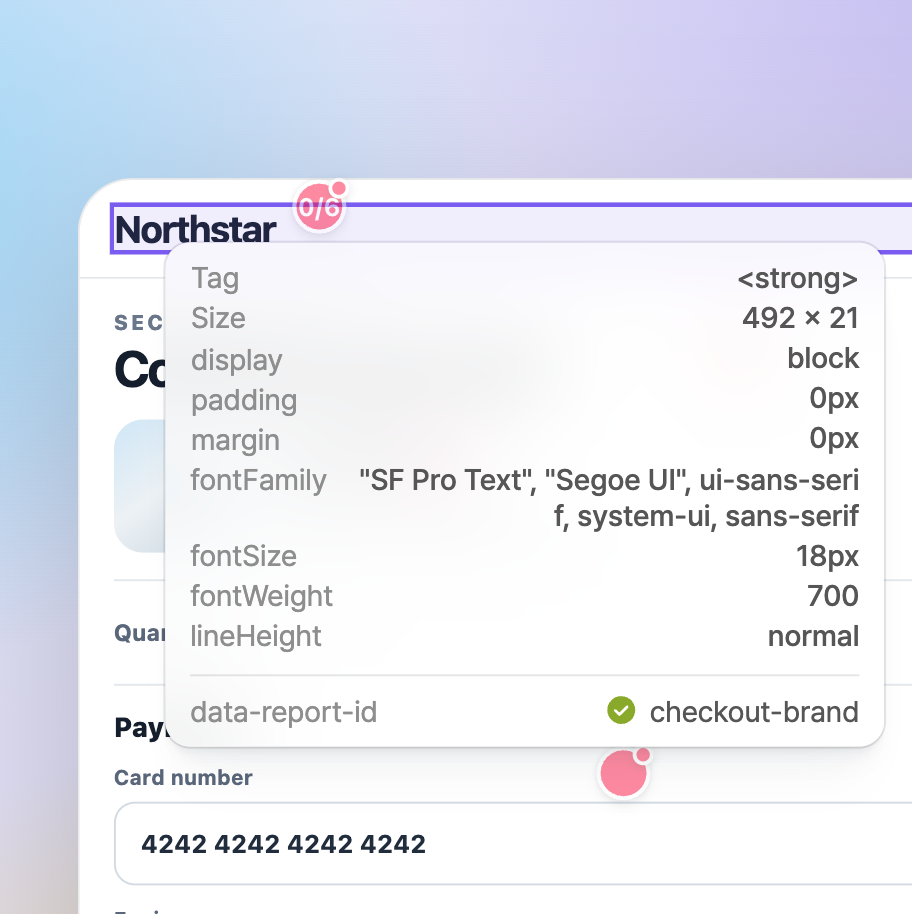
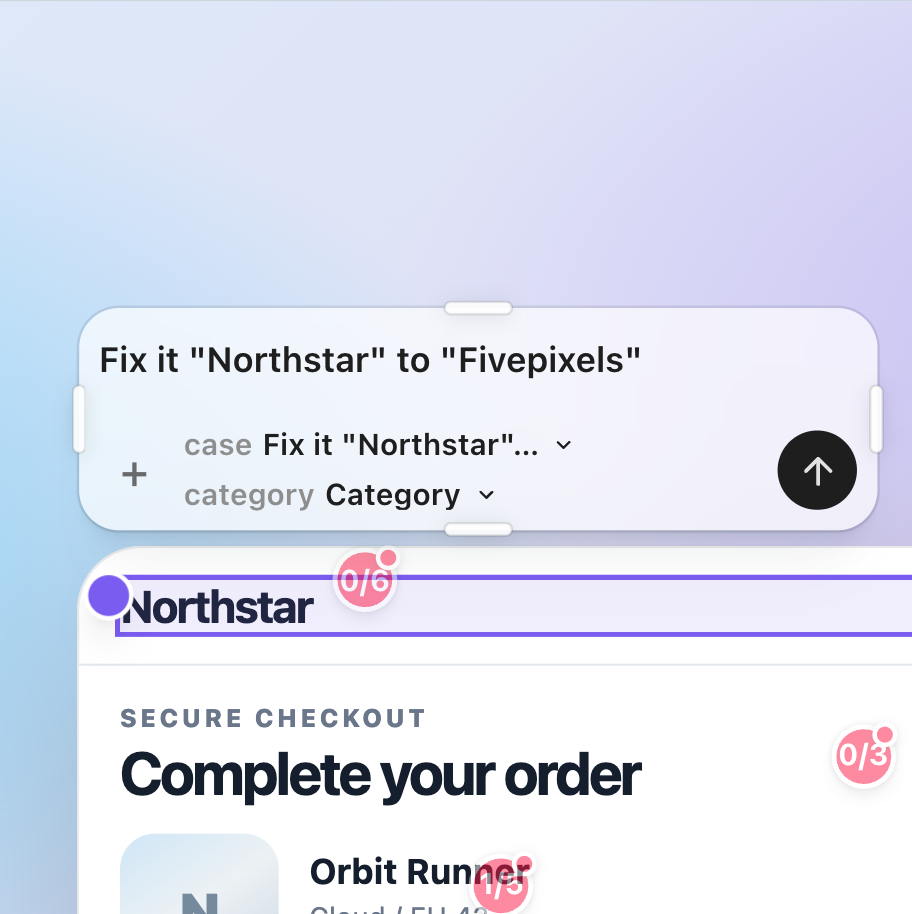
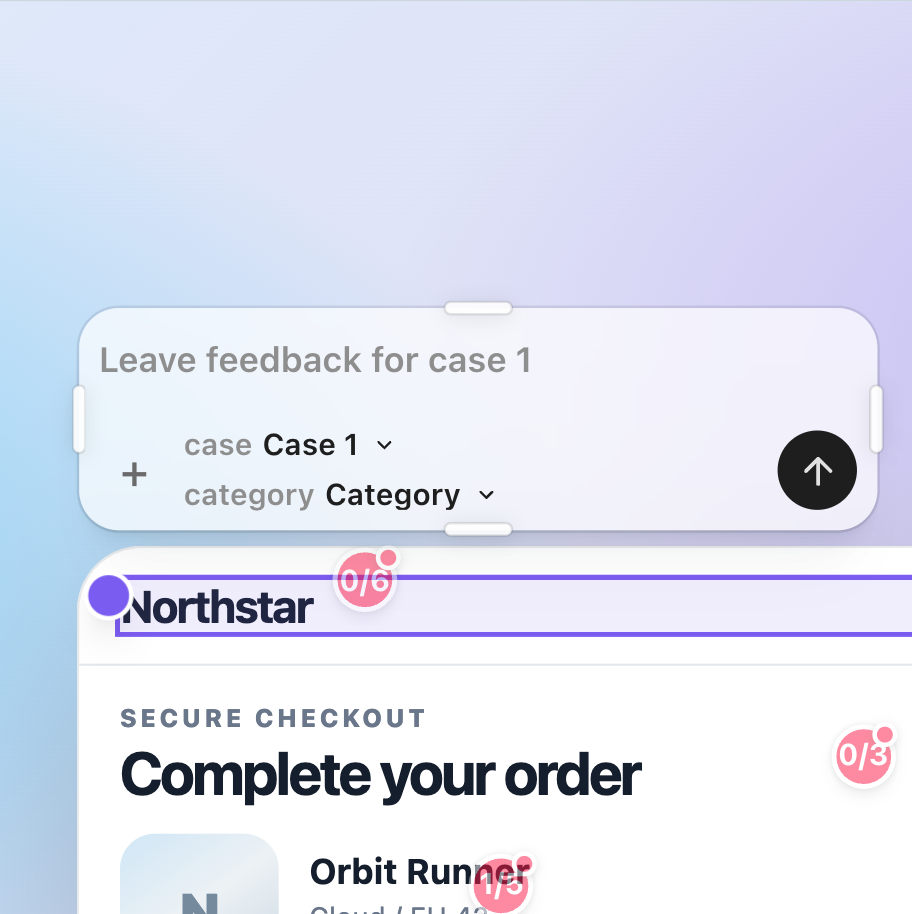
Inspect the element, write the change in the composer, and hit Complete Feedback without switching tools.
Collapse to a quick activity bar, or expand the panel to browse every feedback item on the page.
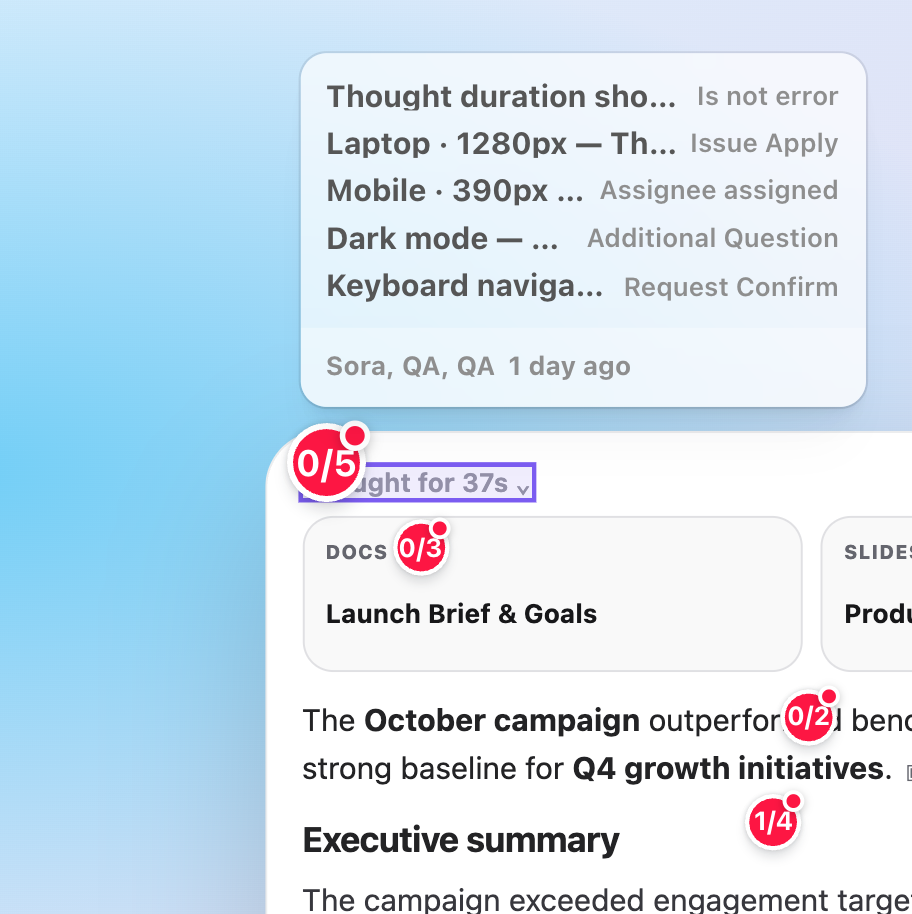
Laptop, Mobile, and Dark mode notes stay pinned on the same screen, so responsive issues keep their breakpoint context.
Leave it on the element—no more explaining which one
Reopen the page and the same spot is recognized automatically
Review and discuss without switching apps
Replies, confirmations, and resolutions in one flow
Adjust text, spacing, color, alignment, and more on screen
See before and after states at a glance
Move from verbal explanations to visual agreement
No vague feedback—just actionable changes
Attach to your current screen—no separate QA SaaS
Leave and view modes—anyone can start right away
Add it once near the root of your React app
Clients can join reviews quickly via /guides/client
Independent styling without host CSS interference
Save feedback in your current browser
Tag only what you need with data-report-id—no full-app tagging
Use `visibility.devOnly` while your team reviews staging
Use it personally without an API or server
Leave comments right on the screen and find the same spot again later.
Start light by adding data-report-id to just one high-traffic review page.
Use devOnly on internal and staging environments—keep it off live.
1// 1) Install2npm install @fivepixels-js/react react react-dom34// 2) Mount once at the app root5<FivePixels6 project={{ id: "my-app" }}7 visibility={{ devOnly: true }}8/>910// 3) Only on elements you want (optional)11<button data-report-id="hero-cta">12 Get started13</button>Founders, PMs, and designers review directly—and feedback scatters across verbal updates.
Tools exist but rules don't, so the same issue gets explained again across channels.
When clients say "just a small tweak," you want to pin it right on the screen.
Learning a new QA app and onboarding feels bigger than shipping itself.
No. UI Edit lasts only for the current tab session and resets on refresh. fivepixels supports review and communication; it never edits the codebase automatically.
Yes. Because feedback stays on the product screen they are already viewing, it feels natural on staging reviews.
No. Start with localStorage, then connect your API when teammates need to see the same feedback.
We aim for a small start: install, mount once, and tag one high-traffic review area.
fivepixels is free and open source. Rather than learning yet another QA SaaS,
we add a thin review layer on top of the product screen you already use.